
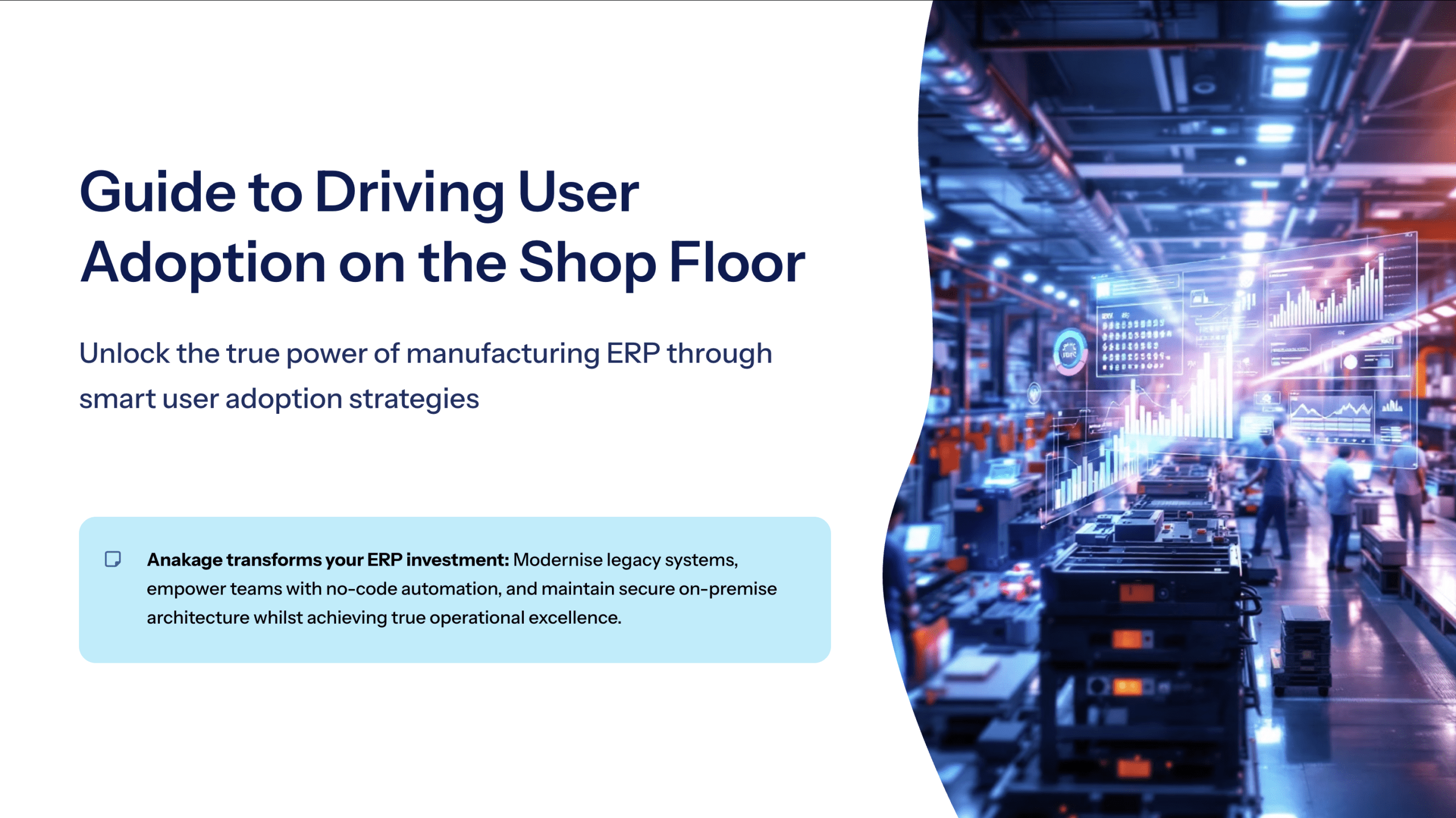
Your ERP Investment is Failing
Your company has made a significant investment in a powerful manufacturing ERP software – a system meant to be the backbone of your operation, enabling everything from manufacturing resource planning (MRP) to achieving the principles of lean manufacturing. Yet, on the shop floor, it’s a different story. Adoption is low, data entry is inaccurate, and your team is reverting to old spreadsheets and manual processes.
You’re not alone. Poor user adoption is the single biggest reason why up to 75% of ERP implementations fail to deliver their promised ROI. This isn’t a failure of your technology or your team; it’s a failure of the traditional approach to ERP system training. This guide will show you how to fix it and finally unlock the value of your investment.
The Great Disconnect: Why Shop Floor Workers Resist New Technology
Implementing a new ERP for the manufacturing industry is a massive undertaking. While the back office may adapt, the shop floor presents a unique set of challenges. Your workforce is skilled in production, not data entry. They are measured on output, and any software that slows them down is seen as a barrier, not a tool.
Traditional SAP ERP training or classroom-style courses are ineffective for this environment because:
- They are not “in the flow of work”: A worker can’t leave the production line to look up a procedure in a manual.
- They are not for non-technical users: Complex interfaces and jargon-filled menus are intimidating and counter-intuitive for employees who don’t sit at a desk.
- Connectivity is a challenge: Wi-Fi on a large factory floor can be unreliable, making cloud-based help systems impractical.
This disconnect leads to inaccurate inventory data, missed production targets, and a workforce that actively distrusts the very system meant to empower them.
Read our article ‘The Modern Guide to Improving Digital Employee Experience (DEX)’ to understand how this issue is a solvable user experience problem.
The Hidden Costs of Low ERP Adoption
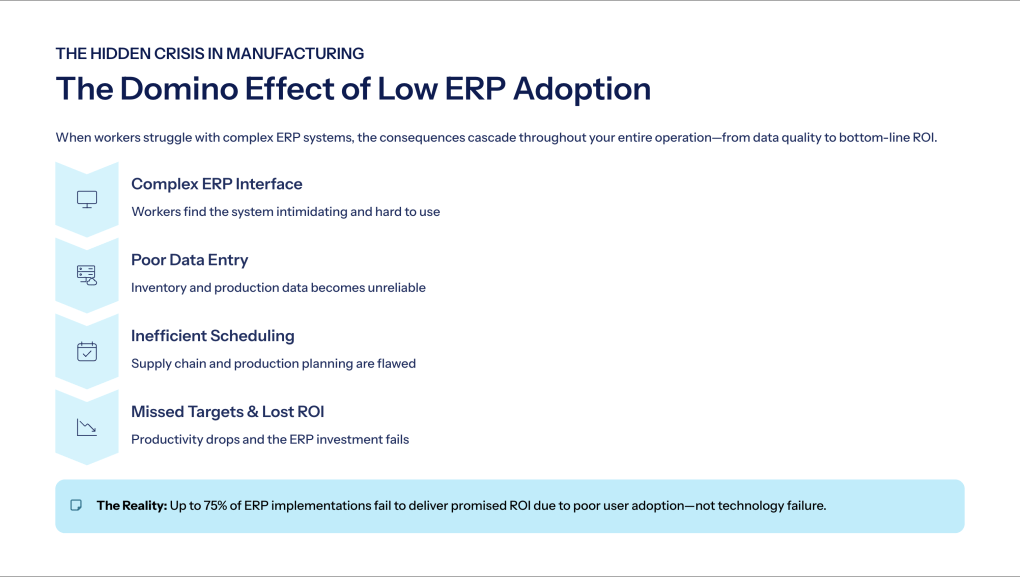
When your ERP MRP system is underutilized, the costs go far beyond the initial software license.
- Inaccurate Data: Poor data entry on the shop floor leads to flawed inventory counts, incorrect production scheduling, and unreliable forecasting.
- Lost Productivity: Workers spend more time fighting the software than on value-added tasks, directly impacting cycle times and output.
- Failed Compliance & Quality Control: If workers bypass the system to record quality checks or safety procedures, you lose critical audit trails and visibility into compliance.
- Zero ROI on a Massive Investment: Your ERP becomes an expensive, glorified database instead of the engine for efficiency it was meant to be.
The Solution: On-Device Guidance, Right on the Shop Floor
Imagine if your ERP could train your workers as they do their jobs. That’s the power of a Digital Adoption Platform (DAP). A DAP overlays your existing manufacturing ERP – whether it’s SAP, Oracle, Plex ERP, or NetSuite Manufacturing, with a layer of simple, on-screen instructions.
This is the key to shop floor enablement:
- Step-by-Step Work Instructions: A simple guide walks a machine operator through the process of logging a production run or a quality check, directly on their terminal or ruggedized tablet.
- Offline Capability: The guidance works even without a live internet connection, a critical requirement for large factories or remote sites.
- Real-Time Validation: The system can validate data as it’s entered, ensuring part numbers are correct and required fields are not skipped, dramatically improving data accuracy.
For one leading German automotive manufacturer, this exact approach was used to simplify a complex invoicing application. The result? Employee onboarding time was reduced by 75% (from 2 months to 2 weeks), and usage errors were completely eliminated.
Read our article ‘The Guide to Low-Code/No-Code Platforms for IT Automation’ to see how easily these guided workflows can be created.
Anakage in Action: Built for the Realities of Manufacturing
Whether you’re a large enterprise or a small manufacturing business, Anakage is designed to solve your most fundamental operational challenges.
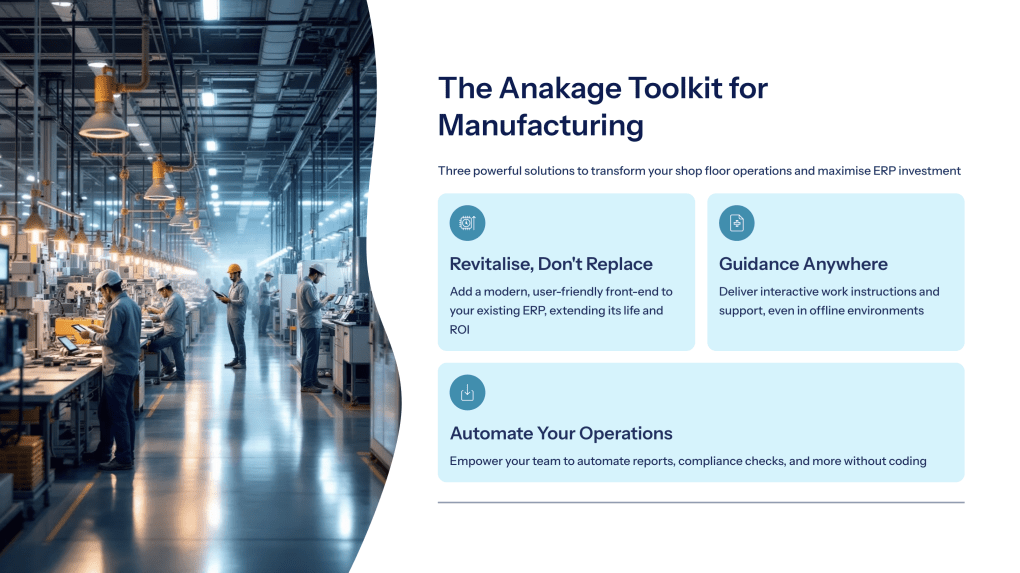
- Modernize Your Legacy ERP Without Replacing It: Many manufacturers run on highly customized, legacy ERP systems that are too costly and risky to replace. Anakage acts as an intelligent overlay, modernizing the user experience and extending the life of your existing investment without touching the underlying code. It’s the smartest way to get more value from the systems you already own.
- Empower Your Team with No-Code Automation: Anakage goes beyond guidance. Your line supervisors and process engineers can use our no-code studio to automate repetitive tasks like generating shift reports, running compliance checks, or managing work orders. This frees up your team to focus on process improvement, a core principle of lean manufacturing 6 sigma.
- Secure, On-Premise Architecture: For manufacturers in sensitive industries like defense or pharmaceuticals, data security is paramount. Anakage’s on-premise deployment option ensures that your proprietary production data and intellectual property remain securely within your own network.
From Adoption Failure to Operational Excellence
Stop blaming your people or your software. The problem is the gap between them. By providing your shop floor team with the real-time, contextual support they need to use your ERP system effectively, you can bridge that gap.
This is how you turn your ERP from a source of frustration into a true engine for operational excellence, finally achieving the ROI you were promised.
Ready to unlock the true power of your manufacturing ERP?
Schedule a 15-minute demo to see how Anakage can drive user adoption from the back office to the shop floor.
Have you read about our last release? Click here to read!
Frequently Asked Questions (FAQ)
- Q: Why does ERP adoption fail on the manufacturing shop floor?
A: Adoption fails because traditional training is disconnected from the flow of work. Complex interfaces are intimidating for non-technical users, and unreliable Wi-Fi on the factory floor makes cloud-based help systems impractical. - Q: What are the hidden costs of low ERP adoption?
A: Low adoption leads to inaccurate inventory data, lost productivity, failed compliance and quality control (as workers bypass the system), and a complete failure to achieve the promised ROI on the ERP investment. - Q: What is a Digital Adoption Platform (DAP) for manufacturing?
A: A DAP for manufacturing is a software overlay that provides simple, on-screen instructions and step-by-step guidance directly on the worker’s terminal or tablet, right within the ERP system. - Q: How does a DAP work on a factory floor with poor Wi-Fi?
A: An effective DAP, like Anakage, has an offline capability. This means guidance and walkthroughs work even without a live internet connection, which is a critical requirement for large factory floors or remote sites. - Q: Can a DAP modernize a legacy ERP system without replacing it?
A: Yes. A DAP can act as an intelligent overlay on top of legacy ERPs. This modernizes the user experience and simplifies complex workflows without the high cost and risk of replacing the underlying system code.