
No Wi-Fi, No Problem
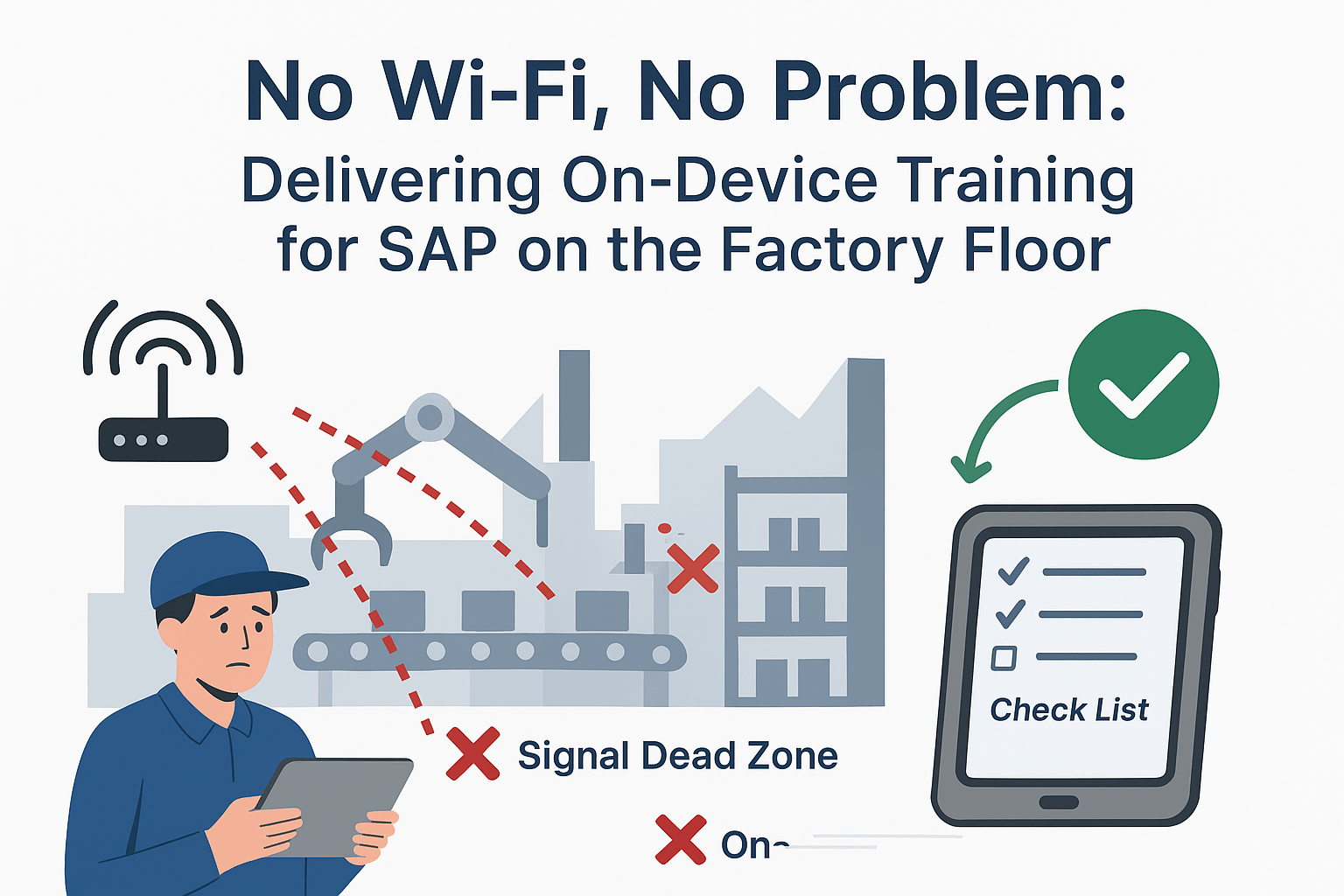
The production line grinds to a halt. A machine operator, faced with a new screen in your SAP ERP, is stuck. They reach for the ruggedized tablet to pull up the work instructions, but the Wi-Fi signal is dead, lost in a sea of concrete, steel, and machinery. A supervisor is called, production stops, and your OEE (Overall Equipment Effectiveness) takes a direct hit.
This is the daily reality in many manufacturing plants. You’ve invested in digital transformation, but your connectivity can’t keep up with your ambition.
For a factory floor, reliable Wi-Fi is a luxury, not a guarantee. This single point of failure makes most cloud-based training and support tools useless when and where your workers need them most.
The Factory Floor: A Hostile Environment for Cloud Software
Unlike an office, a factory floor is a challenging environment for digital signals. Concrete walls, metal shelving, and heavy machinery create dead zones and signal interference. This means that any training or support solution that relies on a constant connection to a central server is destined to fail.
The consequences of this connectivity gap are severe:
- Increased Downtime: When workers can’t access instructions or get help, they stop working. Small software questions escalate into significant production delays.
- Safety & Compliance Risks: If a worker can’t access the latest safety checklist or quality control procedure because the network is down, they may be forced to guess or skip the step, introducing serious risks.
- Inaccurate Data: Unable to log data in real-time, workers may resort to writing notes on paper to enter later. This leads to forgotten details, transcription errors, and an ERP filled with unreliable information.
As we covered in our guide, Guide to Driving User Adoption on the Shop Floor, this failure to support the user in their actual work environment is a primary reason why expensive ERP investments fail to deliver ROI.
The Solution: A Digital Toolkit That Works Anywhere
The only way to solve this problem is to take the network out of the equation. You need a solution that puts the training, guidance, and support directly onto the device itself.
This is the power of an on-device, offline-capable Digital Adoption Platform (DAP). Anakage’s platform is built on an “Offline & On-Premise Superpower”, a core architectural advantage designed for exactly these types of challenging environments.
Here’s how it works:
- Pre-loaded Workflows: All step-by-step guides, checklists, and troubleshooting flows are stored locally on the tablet or terminal. They are fully interactive and available 24/7, regardless of network status.
- On-Device Cobots: Our intelligent cobots can diagnose and even fix common endpoint issues without needing to “call home” to a server, resolving problems at the source.
- Data Sync When Connected: Any data logged by the user while offline is securely stored and then automatically synced with your ERP the moment the device reconnects to the network.
This approach ensures that your team is always enabled, your data is always accurate, and your production lines keep moving.
Proof Point: Driving Efficiency in Automotive Manufacturing
The impact of having a reliable, always-on support system is massive. For a leading automotive OEM, deploying our unified automation platform transformed their IT support model. By providing workers with the tools to resolve issues themselves, they achieved:
- A 44% reduction in overall ticket volumes
- 70% of issues self-resolved by users without IT intervention
- A 72% success rate for self-help actions
While these results span all IT issues, the principle is the same: when you empower workers with tools that work reliably in their environment, you dramatically improve efficiency and reduce dependency on support teams.
Build a More Resilient Shop Floor
Stop letting unreliable Wi-Fi dictate your operational efficiency. By decoupling your training and support from your network, you create a more resilient, productive, and self-sufficient workforce. You ensure that every member of your team has the knowledge they need to do their job safely and correctly, anytime and anywhere on the factory floor.
Ready to deliver training and support that never fails?
Schedule a 15-minute demo to learn how Anakage’s offline capabilities can empower your shop floor team.
Have you read about our last release? Click here to read!
Frequently Asked questions (FAQ)
- Q: Why does cloud-based SAP training fail on the factory floor?
A: Cloud-based training fails because it requires a constant internet connection. Factory floors often have unreliable Wi-Fi and signal “dead zones” caused by machinery and concrete, making cloud tools useless when workers need them most. - Q: What is an on-device, offline DAP?
A: An on-device, offline Digital Adoption Platform (DAP) stores all training guides, checklists, and support workflows directly on the worker’s tablet or terminal. This allows the guidance to function perfectly even without a Wi-Fi or network connection. - Q: How does an offline DAP improve data accuracy?
A: Data logged by a user while offline is securely stored on the device. It then automatically syncs with the central ERP (like SAP) as soon as the device reconnects to the network, preventing transcription errors from paper notes. - Q: What are the consequences of poor connectivity for training on the shop floor?
A: Poor connectivity leads to increased production downtime (as workers get stuck), safety and compliance risks (if checklists are inaccessible), and inaccurate ERP data (from manual workarounds). - Q: How does Anakage’s platform handle offline environments?
A: Anakage’s “Offline & On-Premise Superpower” means all workflows are pre-loaded onto the device. Intelligent cobots can even fix issues locally, ensuring 24/7 availability regardless of network status.