
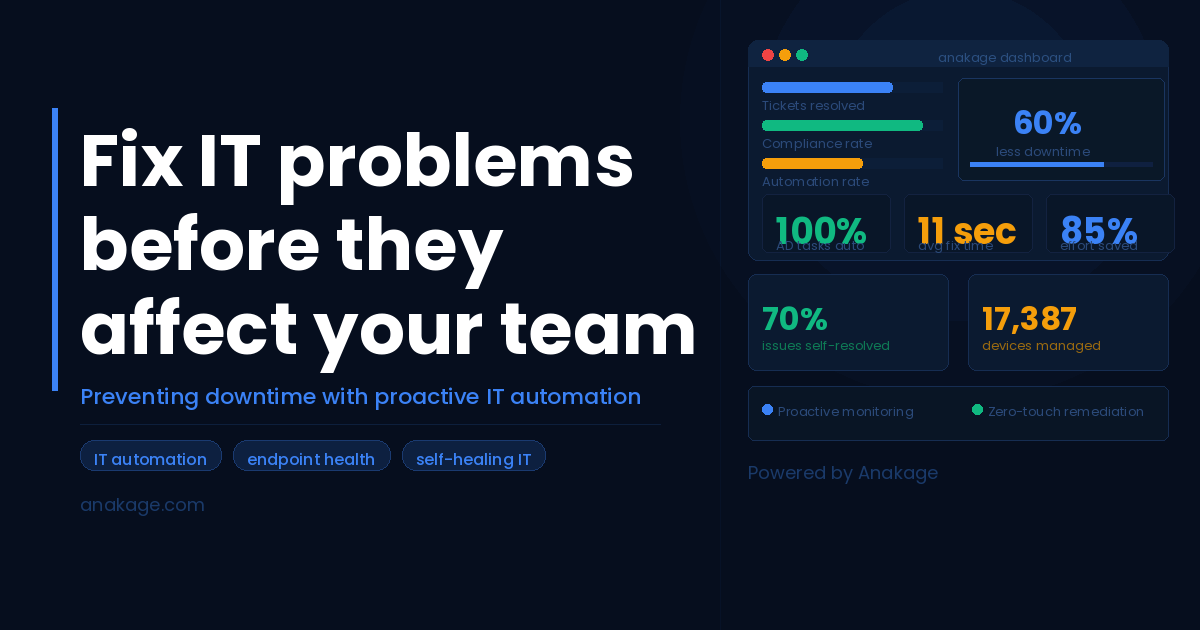
What Does “Fixing IT Problems Before They Happen” Actually Mean?
Proactive IT problem prevention means detecting, diagnosing, and resolving endpoint issues such as disk failures, patch gaps, software crashes, and compliance violations automatically, before an employee notices anything wrong or raises a support ticket.
Instead of waiting for a user to say “my laptop is slow,” a proactive IT system identifies the warning signs hours or days earlier and fixes them silently in the background.
Why Reactive IT Support Keeps Failing Teams
Most IT teams operate in a reactive loop. An employee hits a problem, raises a ticket, waits for a response, and loses productive time in the process. The IT team resolves it, closes the ticket, and the same issue appears again next week with a different employee.
This model has three fundamental problems:
It is expensive. Manual remediation of a single endpoint issue can consume 45 to 90 minutes of IT effort, according to data from Anakage customer deployments across manufacturing, BFSI, and pharma sectors.
It does not scale. As organizations grow, ticket volumes grow with them. Hiring more helpdesk staff is not a sustainable answer.
It creates compliance risk. Unpatched devices, misconfigured endpoints, and unmonitored services do not just slow employees down. They expose the organization to security vulnerabilities and audit failures.
The 5 Most Common IT Problems That Disrupt Teams (And How to Prevent Them)
1. Disk Overload and Slow Performance
What happens: Employees notice slow boot times, laggy applications, and frequent crashes. The root cause is usually disk usage above 85%, junk data accumulation, or fragmented storage.
How to prevent it: Automated telemetry that continuously monitors disk health and triggers cleanup routines before performance degrades. One Anakage deployment across a global automotive OEM cleared 131 TB of junk data automatically, eliminating performance issues before employees noticed them.
2. Patch Compliance Failures
What happens: Patches are deployed but devices reboot at inconvenient times, employees postpone restarts, and weeks later a significant portion of the fleet is running outdated software.
How to prevent it: Campaign-driven nudges that guide employees to complete restarts at low-activity windows, combined with automated enforcement for devices that exceed compliance thresholds.
3. Repetitive Software and Access Issues
What happens: Employees cannot install approved software, reset passwords, or access applications without raising a helpdesk ticket. These requests pile up and consume a disproportionate share of IT capacity.
How to prevent it: In-app guided workflows that allow employees to self-resolve common issues like software installs, password resets, and access requests without IT intervention. A Japanese multinational using Anakage automated 70% of software install requests, eliminating wait times entirely.
4. Active Directory and Onboarding Delays
What happens: New employees join and spend their first days waiting for accounts to be created, access to be provisioned, and basic tools to be set up. Offboarding is equally slow, creating security gaps.
How to prevent it: Automated AD task processing that triggers instantly when an ITSM ticket is raised, without requiring an IT engineer to manually action each step. One telecom client using Anakage achieved 100% automation of onboarding and offboarding AD tasks.
5. Non-Compliant Endpoints Going Undetected
What happens: Endpoint compliance sits at 90 to 95% in most organizations. The remaining 5 to 10% represents devices that are misconfigured, missing agents, or running outdated policies, and they often go unnoticed until an audit.
How to prevent it: Real-time compliance dashboards with automated remediation that detects and fixes non-compliant endpoints without waiting for a scheduled scan or a manual check.
How Proactive IT Works: A Step-by-Step Framework
A proactive IT prevention system operates across four layers:
Layer 1: Continuous monitoring. Real-time telemetry collects data from every endpoint including disk usage, battery health, service status, agent presence, and patch state.
Layer 2: Automated detection. Rules and thresholds trigger alerts when a device moves outside acceptable parameters. This happens before the device causes a user-facing problem.
Layer 3: Self-heal automation. The system attempts to resolve the issue without human involvement. Junk files are cleared, services are restarted, patches are applied, and agents are reinstalled.
Layer 4: Guided user resolution. For issues that require user action such as a restart, a software install, or a password reset, in-app guidance walks the employee through the fix in real time, inside the application they are already using.
What Results Can You Expect from Proactive IT Prevention?
Organizations that move from reactive to proactive IT support consistently see measurable improvements across three areas: ticket volumes, remediation speed, and compliance.
Here is what Anakage customers have achieved in production environments:
| Organization Type | Key Result |
|---|---|
| Leading Pharma Manufacturer | Endpoint downtime reduced by 60%. Remediation time dropped from 90 minutes to under 11 seconds across 17,387 devices. |
| Global Automotive OEM | 44% reduction in ticket volumes. 95% compliance on essential services. 80% success rate in automated fixes. |
| BFSI Insurer | 70% of issues self-resolved via automation. Remediation averaged under 11 seconds across 15,875 devices. |
| Indian Private Bank | 99% endpoint compliance achieved. Manual effort reduced by 85%. No PowerShell required. |
| Telecom Provider | 100% of routine Active Directory tasks automated. IT engineers freed for higher-value work. |
| German Automotive Manufacturer | Employee onboarding time reduced from 2 months to 2 weeks. Error rates dropped to near zero. |
| Media Conglomerate | 172 hours saved in manual IT effort. 60% success rate in guided user resolutions. |
Proactive IT Prevention vs. Traditional Helpdesk: A Comparison
| Factor | Traditional Helpdesk | Proactive IT Prevention |
|---|---|---|
| Issue detection | User reports problem | System detects before user notices |
| Resolution time | 45 to 90 minutes per issue | Under 11 seconds for automated fixes |
| Employee experience | Wait for IT response | Self-resolve or auto-resolved |
| Compliance visibility | Periodic scans | Real-time dashboard |
| IT team capacity | Consumed by L1 tickets | Freed for strategic work |
| Scalability | Requires headcount growth | Scales without additional staff |
How Anakage Helps IT Teams Go Proactive
Anakage is an endpoint automation and digital employee experience platform that combines real-time telemetry, self-heal automation, and in-app guided support into a single platform.
It deploys across enterprise environments including BFSI, manufacturing, pharma, and professional services and integrates with existing ITSM tools to automate detection, remediation, and reporting without replacing existing workflows.
Key capabilities:
- Automated endpoint health monitoring with real-time alerts
- Self-heal automation for common endpoint issues
- In-app CoBots that guide employees through self-service resolution
- Active Directory task automation for onboarding and offboarding
- Software deployment without SCCM dependency
- Compliance dashboards with offline visibility
- ITSM integration for automated ticket updates
Ready to See It in Action?
If your IT team is spending more time closing tickets than preventing them, it is worth seeing what proactive automation looks like in your environment.
Book a 20-minute demo with Anakage
Frequently Asked Questions
What is proactive IT support?
Proactive IT support means detecting and resolving endpoint issues automatically before employees experience disruption. It uses continuous monitoring, automated remediation, and self-service workflows to prevent problems rather than react to them.
How is proactive IT different from a helpdesk chatbot?
A helpdesk chatbot responds after an employee raises a query. Proactive IT prevention identifies issues through telemetry and fixes them automatically, often before the employee is aware anything is wrong. Anakage’s platform handles both: automated self-heal for background issues and in-app guided resolution for user-facing problems.
Can proactive IT tools work without PowerShell scripting?
Yes. Anakage’s platform operates without PowerShell, which is particularly important in regulated environments like BFSI where PowerShell use is restricted. The platform uses secure alternative methods for configuration management and compliance enforcement.
How long does it take to see results?
Based on Anakage customer deployments, organizations typically begin seeing measurable reductions in ticket volumes and remediation times within the first quarter of deployment. Compliance improvements are often visible within the first few weeks.
Does proactive IT automation work for remote and hybrid teams?
Yes. The platform provides real-time and offline visibility into device health, compliance status, and user engagement, regardless of whether devices are on-premise or remote.
What size organizations benefit most from proactive IT automation?
Anakage works with mid-size and large enterprises across industries including BFSI, pharma, automotive, telecom, and professional services. Organizations with more than 500 endpoints typically see the strongest ROI, as the volume of avoided tickets and reduced manual effort compounds quickly at scale.
How does Anakage integrate with existing ITSM tools?
Anakage integrates with major ITSM platforms. When an automated task is completed, the platform updates the corresponding ITSM ticket automatically, reducing manual update effort and improving reporting accuracy.
What is the difference between L0, L1, and L2 IT support?
L0 support refers to self-service where employees resolve issues themselves using guided tools or knowledge bases. L1 is basic helpdesk support for common issues. L2 involves more complex technical troubleshooting. Proactive IT automation shifts resolution toward L0 by enabling employees to fix issues in real time, reducing the burden on L1 and L2 teams.
Anakage is an endpoint automation and digital employee experience platform. To learn how it works in your environment, book a demo.