
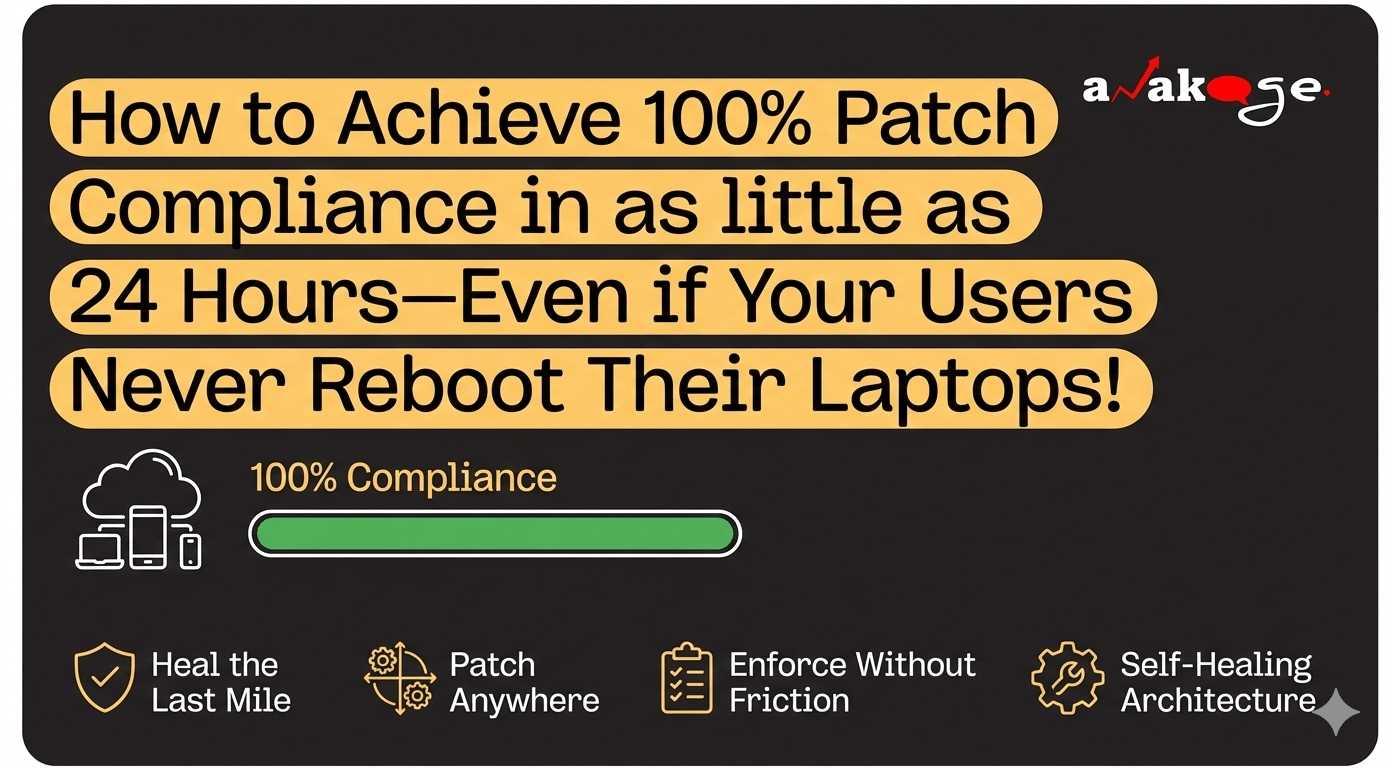
The Hidden Vulnerability Management Crisis
A recent Ponemon Institute report showed that 60% of breaches exploit vulnerabilities for which a patch already existed. In other words, the disaster could have been avoided—if the patch had actually installed.
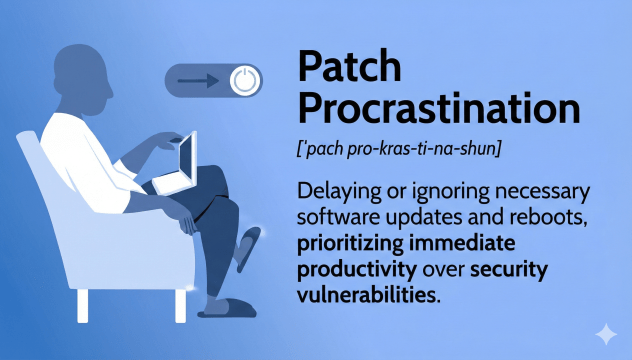
The real issue isn’t a broken download; it’s “patch procrastination.” Users don’t ignore security deliberately, they just keep laptops open, tabs alive, and presentations half-finished. Updates sit waiting for a reboot that never comes.
Why “Deployed” ≠ Installed: Patch Compliance Gaps in Action
Imagine a laptop that receives a patch, stages it, and even schedules a reboot—but the user simply closes the lid. The security code never runs; the vulnerability stays open.
Warning Signs of Failing Patch Management:
- The “Pending Reboot” Graveyard – dashboards claim 92% patch compliance while machines stay stuck in pending status for weeks.
- The VPN-Only Trap – patch deployment only works on corporate networks, leaving roaming devices out of sync.
- The “Monday Morning Helpdesk Flood” – forced updates hit at peak times, triggering chaos.
Hybrid Work’s Impact on Automated Patching
Remote work shattered traditional patch management software strategies. Employees rely on cloud apps (Teams, Salesforce) and rarely connect via VPN. Endpoint patching fails because legacy tools demand:
- Fixed nightly maintenance windows
- Corporate network access
- Forced reboots during work hours
The result? Users choose productivity over vulnerability management.
A smarter, user‑first approach
Instead of nagging harder, make patching invisible and respectful of the user’s workflow. Four ideas do the heavy lifting:
- Patch anywhere, anytime – the agent pulls updates straight from the internet, no VPN required.
- Save work, then reboot – automatically capture open apps, browser tabs and unsaved documents before any restart.
- Guide, don’t push – start with friendly reminders (“Reboot Now,” “In 4 Hours,” “Tonight at 8 PM”).
- Self‑healing agents – if something breaks (WMI errors, stopped services), the agent fixes itself so the numbers you see are real.
When those ideas work together, compliance climbs from the mid‑60 % range to near‑complete within a single day—without overwhelming your helpdesk.
How Anakage makes it happen
Anakage isn’t just another scanning tool; it’s an intelligent automation platform built for the hybrid era.
- Last‑mile healing – we spot devices stuck in “pending reboot,” trigger a session‑preserving restart and eliminate the #1 reason users postpone updates.
- Offline patching – our lightweight agent works on any internet connection, so laptops that never touch the corporate VPN stay secure.
- Intelligent nudges – polite reminders first, then progressive notifications with clear deadlines, followed by an automatic reboot during detected idle periods for critical patches.
- Self‑diagnostics – the platform automatically repairs broken agents, keeping your compliance reports trustworthy.
In short, Anakage gives you the speed of a traditional patch engine and the empathy of a user‑centric tool.
Why this matters now
The faster you move from “deployed” to “installed,” the smaller the attack surface for ransomware, zero‑days and opportunistic breaches. At the same time, you protect productivity—no more surprise reboots in the middle of a client call.
If you’re still relying on a single‑mode WSUS pipeline, you’ll hit its limits quickly. A multi‑mode approach—cloud pull, peer‑assisted spread and bandwidth‑aware waves—gives you the flexibility today’s hybrid workforce demands. For a deeper dive, see our guide on Beyond WSUS: Multi‑Mode Patch Distribution [blocked].
When bandwidth becomes a concern during a rollout, consider Load‑Balancing Patch Distribution [blocked] to keep your network sane.
To prove compliance to auditors, make your endpoint posture Audit‑Ready [blocked], and turn failures into insight with BSOD Logs & Reboot Stats for Predictive Maintenance [blocked].
If you want to automate the back‑office workflow, Automation‑Triggered Ticketing [blocked] shows how to integrate ticketing without manual steps.
Frequently asked questions
Will users really reboot if I give them choices?
Yes. When you preserve sessions and offer friendly scheduling, voluntary compliance rises sharply.
Do I still need WSUS/SCCM?
Not exclusively. A multi‑mode strategy (cloud, peer‑assisted, targeted distribution) covers hybrid realities better than a single‑mode dependency. See the Top 10 Patch Management Software of 2025 [blocked] for options.
What if the agent breaks?
Self‑healing agents detect and repair common failures (WMI errors, stopped services). Your reports reflect actual device state, not stale cache.
How do you handle global time zones?
Micro‑moment patching and flexible user scheduling eliminate the need for universal maintenance windows.
Can I enforce without helpdesk chaos?
Yes. Escalating nudges and idle‑period reboots reduce surprise updates and tickets.
Ready to see it in action?
Book a free Demo with Anakage and discover how you can close the gap in a single day—without forcing your users to sacrifice their work.