
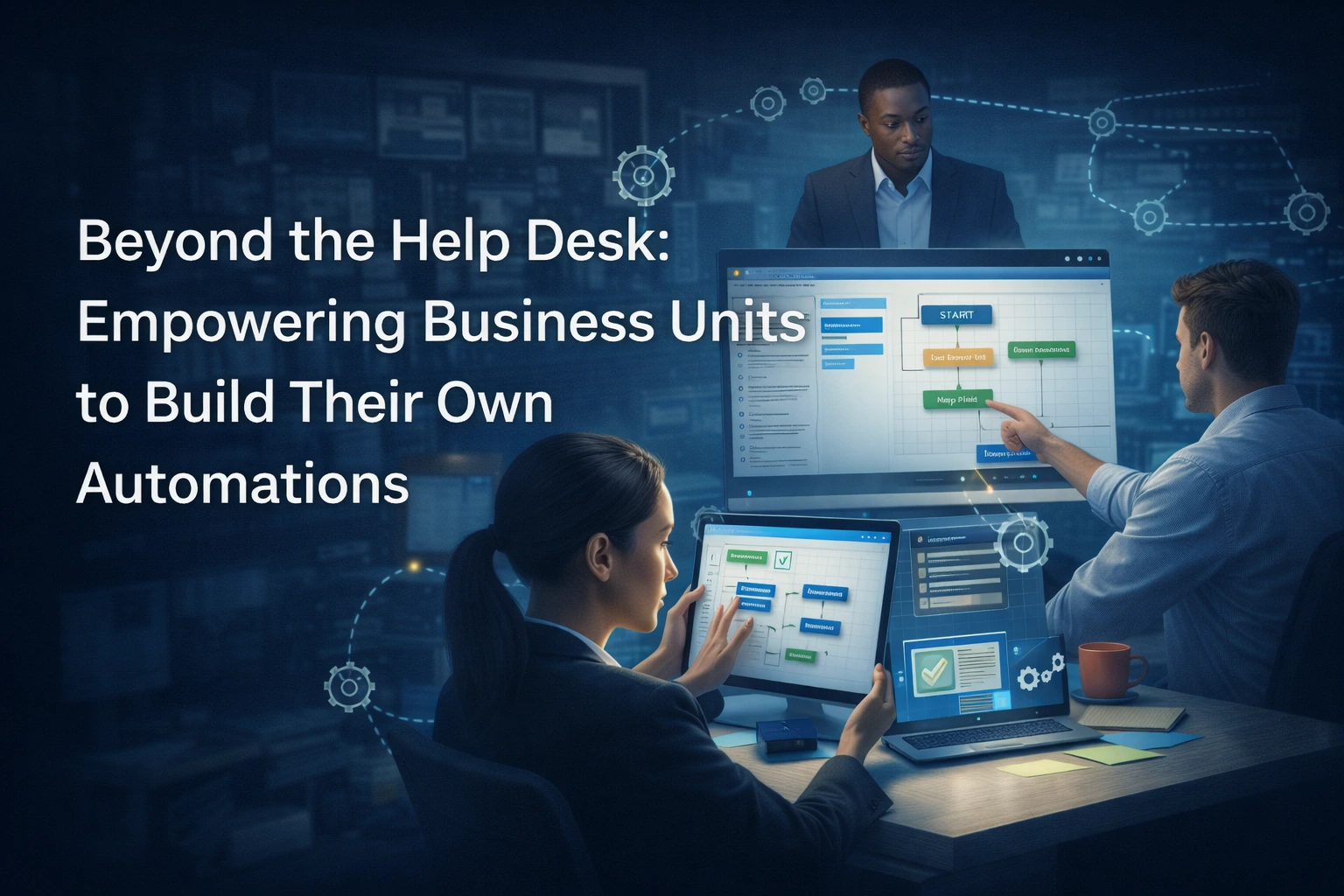
Beyond the Help Desk
If you manage a department like HR, Finance, or Operations, you know the frustration of the “IT Backlog.”
You have a simple problem: maybe your team wastes ten hours a week manually copying data from Excel into your ERP, or your onboarding process for new hires is a messy chain of emails that always gets stuck. You submit a ticket to IT asking for a fix. Their response? “We’ve added this to the roadmap for Q3.”
It’s currently Q1.
In the mid-market, IT teams are lean and perpetually swamped with keeping the lights on – managing security patches, server uptime, and help desk fires. They rarely have the bandwidth to build custom workflows for every department.
The solution isn’t to hire more developers; it’s to democratize automation. By adopting “Citizen Development” strategies, you can empower your own non-technical team members to build the solutions they need, without writing a single line of code.
The Rise of the “Citizen Developer”
A Citizen Developer is an employee who creates application capabilities for consumption by themselves or others, using tools that are not actively forbidden by IT or business units. Gartner predicts that by 2025, 80% of technology products and services will be built by those who are not technology professionals.
This shift is made possible by Low-Code/No-Code (LCNC) platforms. These tools replace complex programming languages (like Python or C#) with visual, drag-and-drop interfaces. If your team can map out a process on a whiteboard, they can build an automation for it.
Curious about how these tools work under the hood? Read The Guide to Low-Code/No-Code Platforms for IT Automation.
What This Looks Like in Practice
When you take automation out of the server room and put it into the business unit, bottlenecks disappear.
- For Human Resources: The Perfect Onboarding Instead of manually emailing IT to set up accounts, facilities to issue a badge, and payroll to enter tax data, an HR manager can build a unified onboarding workflow.
-
- The Trigger: A candidate is marked “Hired” in the ATS.
- The Automation: The platform automatically generates a ticket for IT, sends a welcome email with digital forms to the new hire, and schedules their orientation meetings.
- The Result: A consistent Day 1 experience, zero missed steps, and no manual coordination.
- For Finance: Closing the Books Faster Finance teams often struggle with “swivel-chair” data entry, moving figures from invoices into the accounting system.
-
- The Automation: A simple bot extracts data from PDF invoices arriving in a specific email folder and inputs it directly into the ERP system.
- The Result: Reduced data entry errors and a faster month-end close.
- For Operations: Shift Reporting Instead of chasing down shift managers for their daily production spreadsheets, an Operations Director can deploy a simple form app.
-
- The Automation: Shift managers input data on a tablet. The app validates the numbers instantly (preventing typos) and aggregates them into a live dashboard.
Anakage’s No-Code Studio: Power Without the Complexity
Most automation tools are either too simple (like Zapier, which struggles with legacy enterprise apps) or too complex (requiring a developer to set up).
Anakage’s Authoring Studio hits the sweet spot for mid-market business units.
- Visual Workflow Builder: You design automations using flowchart logic. “If this happens, do that.”
- Pre-Built Actions: You don’t need to know how to script a “password reset” or “disk cleanup.” You just drag that block into your workflow.
- Reusability: Once you build a great workflow for one team, you don’t have to rebuild it for another. You can clone it, tweak the variables (like changing the department name), and deploy it instantly.
Scale your success quickly. Learn more in The Power of Cloning: How to Accelerate Workflow Creation.
Addressing the “Shadow IT” Fear
The biggest objection to letting business units build apps is “Shadow IT” i.e. unmanaged software that creates security risks.
Anakage solves this through Governance. While Line-of-Business managers build the logic of the automation, the IT department retains control over the security. IT sets the guardrails, defining which data can be accessed and which systems can be touched.
This creates a partnership: You get the speed of self-service, and IT gets the peace of mind that security protocols are enforced.
Stop Waiting, Start Building
The days of waiting six months for a simple workflow change are over. By adopting a platform that supports citizen development, you unlock the latent innovation in your own team. You turn your managers from “requesters” into “solvers.”
This not only speeds up your department’s operations but also drastically reduces the volume of tickets hitting the help desk, creating a win-win for the entire company.
See how empowering users transforms IT efficiency in Reducing IT Load: How a Self-Service Portal Empowers Users.
Ready to take control of your department’s workflows?
Book a Demo to see how Anakage’s No-Code Studio can turn your business ideas into functioning automations in days, not months.
Have you read about our release on “Why Enterprise Digital Adoption Platforms Don’t Fit and What Mid-Market Leaders Should Do Instead?” Click here to read!
Frequently Asked Questions
Q: What is a Citizen Developer?
A: A Citizen Developer is a non-technical employee (like an HR manager or Finance analyst) who creates application capabilities using IT-sanctioned Low-Code or No-Code tools, rather than relying on professional developers.
Q: How do Low-Code/No-Code (LCNC) platforms work?
A: LCNC platforms replace complex programming languages with visual interfaces. Users drag and drop pre-built actions into a flowchart logic (e.g., “If a PDF arrives, extract data”) to build automations without writing code.
Q: Does Citizen Development create “Shadow IT” risks?
A: It can, but modern platforms like Anakage solve this through Governance. IT sets the security guardrails and permissions, while business units build the workflow logic. This ensures speed for the business and security for IT.
Q: How does Anakage’s No-Code Studio help mid-market teams?
A: Anakage’s Authoring Studio provides a Visual Workflow Builder with pre-built actions. It allows teams to clone and reuse workflows across departments, making it easy to deploy sophisticated automations for onboarding, reporting, or data entry without technical complexity.