
You reduce L1 tickets by fixing the issues before users notice them, and by letting users resolve the rest themselves. Most teams start with the wrong five issues. Here is how to pick the right ones and build deflection that actually holds.
Ticket deflection means resolving an issue without a human agent touching it. That happens two ways: automated remediation, or guided self-service.
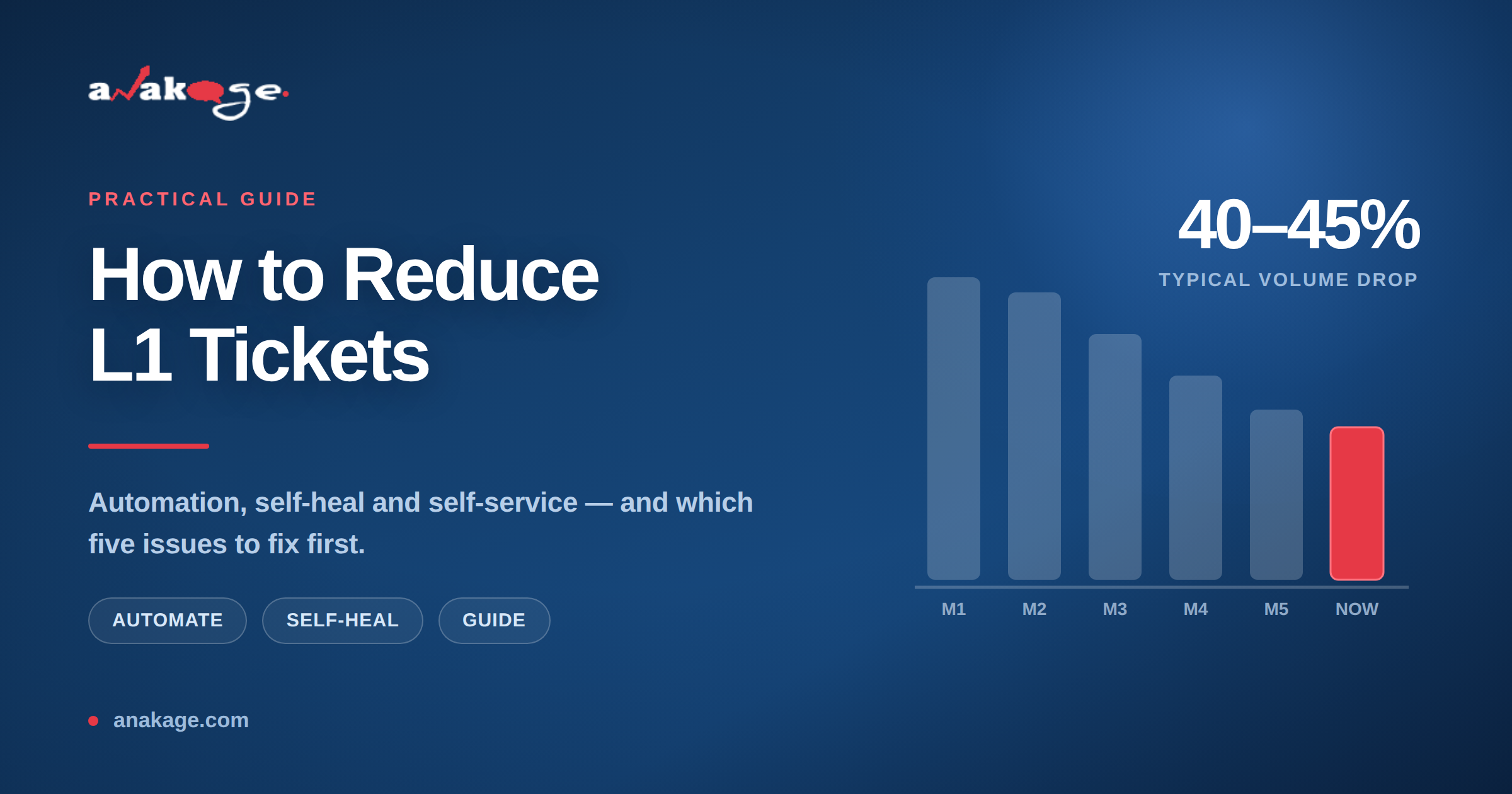
Enterprises running this well see 40% to 45% reductions in ticket volume within months. One automotive OEM cut volumes 44% with a 72% self-help success rate.
Why Most L1 Ticket Reduction Efforts Fail
Teams usually start by building a knowledge base. Adoption stays low. Users still call the service desk.
The reason is simple. Users do not want to read instructions. They want the problem gone.
A second common failure is the chatbot. One MSP saw just 4% adoption on a traditional service desk chatbot. Users tried it once, got a link to an article, and never returned.
Deflection works when the fix happens automatically, or when the user is guided step by step inside the actual screen they are stuck on.
Step 1 — Find Your Top Five Repeat Issues
Pull 90 days of ticket data from your ITSM tool. Group by category and count.
In most enterprises the same five issues drive 60% to 70% of L1 volume:
- Password resets and account lockouts
- Software installation requests
- Disk space and performance complaints
- Printer and spooler failures
- VPN and connectivity issues
Rank them by volume multiplied by average handling time. That gives you effort, not just count.
Start with the highest-effort item. Not the highest-count one.
Step 2 — Automate Password Resets First
Password resets are the fastest win in almost every environment. They are high volume, low complexity and fully automatable.
Self-service password reset (SSPR) — a system that lets users reset passwords or unlock accounts without contacting IT.
Three things determine whether SSPR actually gets used:
- A link on the Windows login screen, so locked-out users can reach it
- On-screen prompts before the password expires, not email reminders
- Forced enrolment, so users register before they need it
Email reminders fail for one obvious reason. A locked-out user cannot open email.
Step 3 — Deploy Self-Heal for Silent Fixes
Self-heal means the endpoint detects a known problem and fixes it in the background. The user never files a ticket because they never see the issue.
Good candidates for self-heal automation:
- Disk cleanup when free space drops below a threshold
- Print spooler restart on failure
- Group policy refresh when out of sync
- Antivirus service restart when stopped
- Cache clearing for known application crashes
The results here are substantial. One automotive manufacturer ran 3,350 automated fixes and cleared 131 TB of data across its estate.
Another OEM saved 83 business days of IT effort through automation and self-help combined.
Step 4 — Add Guided Self-Help for the Rest
Some issues need a user decision. Those cannot be silently automated.
For these, use in-app guided help. Step-by-step overlays appear inside the live application and walk the user through the fix.
This works far better than knowledge base articles. The user stays in context and never switches screens.
Target the requests that are simple but need user input. Software installs are the obvious example.
Step 5 — Route Everything Through One Entry Point
Users should have one place to go. A desktop app, a Teams bot, or both.
The flow should be: attempt automated fix, then offer guided help, then create a ticket only if both fail.
That order matters. If the ticket form is the first option, users will use it.
Anakage takes this approach with its cobot model, running detection and remediation before a ticket exists. Several DEX platforms including Nexthink and SysTrack offer similar remediation layers, so evaluate against your specific stack.
Step 6 — Measure the Right Things
Track these four metrics monthly:
- Deflection rate — issues resolved without an agent, as a percentage of total
- Self-help success rate — how often a user completes a guided fix
- Automated fix success rate — how often silent remediation works
- Average handling time — should fall as simple tickets disappear
Watch for a trap. Ticket volume drops but handling time rises. That is normal and healthy. You removed the easy tickets, so what remains is harder.
What Realistic Results Look Like
Benchmarks from enterprise deployments:
| Metric | Realistic target |
|---|---|
| Ticket volume reduction | 40–45% |
| Issues self-resolved by users | 65–70% |
| Automated fix success rate | 75–85% |
| Self-help success rate | 70–75% |
| Time to first measurable result | 6–8 weeks |
These assume you started with the top five issues. Broad rollouts across every category take longer and deliver less.
One Constraint to Check Before You Buy
Many BFSI and public sector organisations restrict PowerShell execution on endpoints. Security policy blocks it outright.
Most automation tools depend on PowerShell. In these environments they simply cannot run.
If that describes your setup, verify scriptless execution during evaluation. Ask the vendor to demonstrate a remediation with PowerShell disabled.
FAQ
Q: What is L1 ticket deflection?
A: L1 ticket deflection means resolving a support issue without a service desk agent handling it. This happens through automated remediation or user self-service. The ticket is either never created, or closed automatically.
Q: What is a good ticket deflection rate?
A: A 40% to 45% reduction in L1 ticket volume is a strong result for enterprise deployments. Self-help success rates above 70% indicate good adoption. Rates below 20% usually point to poor user experience rather than poor technology.
Q: Which IT tickets should I automate first?
A: Start with password resets and account unlocks. They are high volume, low complexity and need no user judgement. Software installs and disk cleanup are the next best candidates.
Q: Why do IT self-service portals fail?
A: Most portals give users articles instead of fixes. Users want the problem solved, not instructions to solve it themselves. Portals also sit outside the user’s workflow, so nobody remembers they exist.
Q: How long does ticket reduction take to show results?
A: Expect measurable results in six to eight weeks if you focus on your top five issues. Broader rollouts take three to six months. Deployment speed depends heavily on whether your tool needs custom scripting.
Q: Does ticket deflection replace the L1 team?
A: No. It changes what they work on. Simple repetitive tickets disappear, and the team handles complex issues instead. Most organisations redeploy L1 staff rather than reduce headcount.
Q: Can ticket deflection work without PowerShell?
A: Yes, but not with every tool. Many automation platforms depend entirely on PowerShell execution. If your security policy blocks scripting, confirm scriptless remediation before purchase.
Closing
Ticket deflection works when you fix problems silently and guide users through the rest. Start with your five highest-effort issues, not your longest wish list.
If your environment restricts scripting or runs largely offline, that narrows the tool options considerably. The Anakage team runs a 30 minute walkthrough for teams in that situation at anakage.com/book-a-demo.